Predictive Network Monitoring Overlay

LAG GUARD

A real-time network overlay that predicts lag spikes before they happen — powered by machine learning, built for competitive gamers and streamers.

Download for Windows View on GitHub

// Free & open source · Windows · v1.0

12ms
LATENCY
2ms
JITTER
0%
PKT LOSS
STABLE
STATUS
<500ms
Prediction Lead Time
XGB
ML Model
3
Alert States
Free
Always Open Source

See LagGuard Working

Real screenshots of LagGuard running live in-game. Click any image to enlarge.

Overlay States
In-Game View
Compact & Minimal
Settings Panels
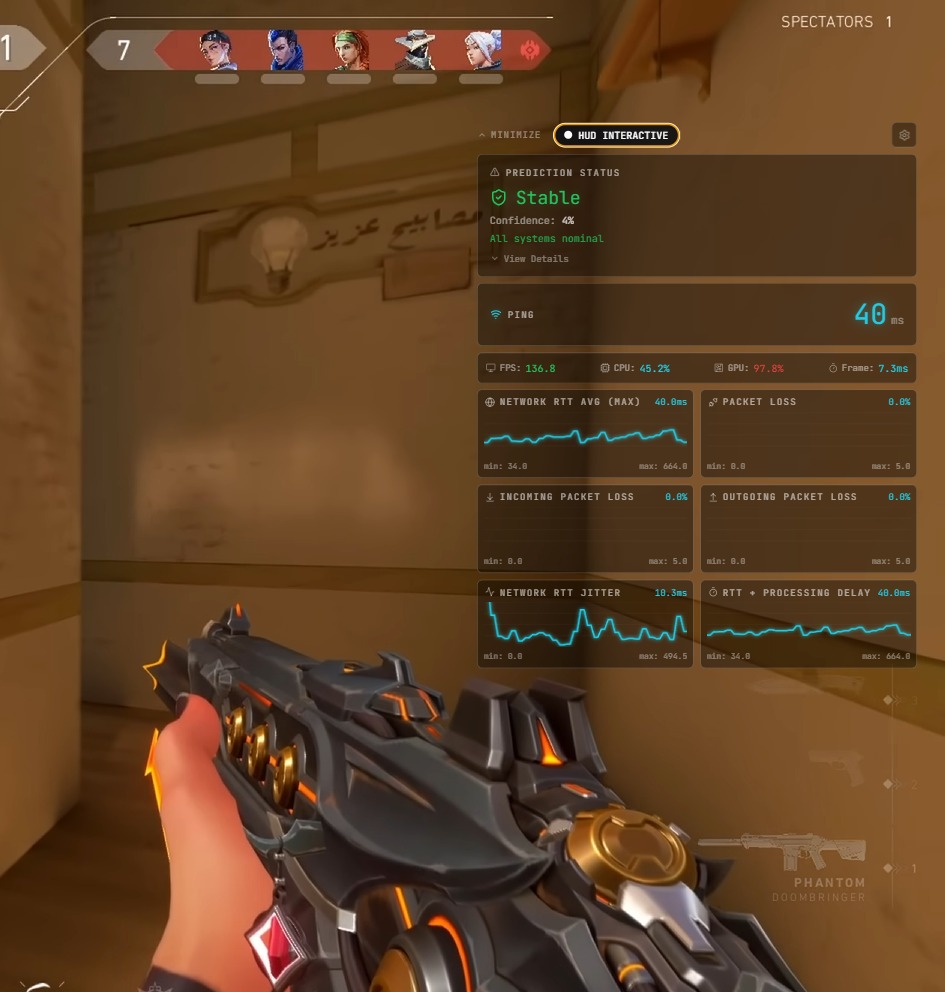
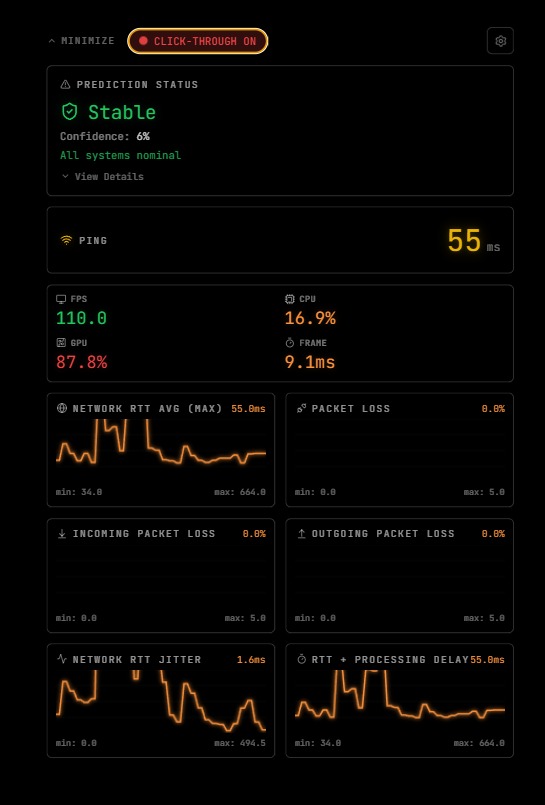
Overlay Stable State
Stable State
Overlay Warning State
Warning / Unstable State
LagGuard in-game Valorant stable
Live in-game — Valorant · Stable · 40ms ping
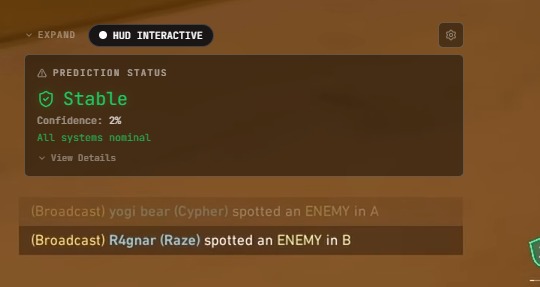
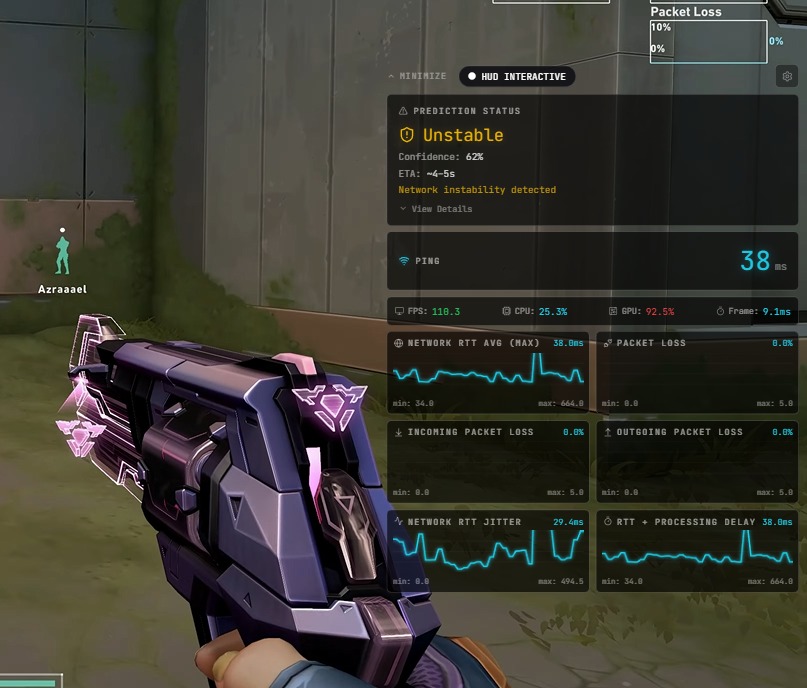
LagGuard in-game warning state
Live in-game — Unstable detected · 38ms ping · 62% confidence
Compact overlay
Compact Overlay Mode
Minimal overlay expanded
Expanded Stats View
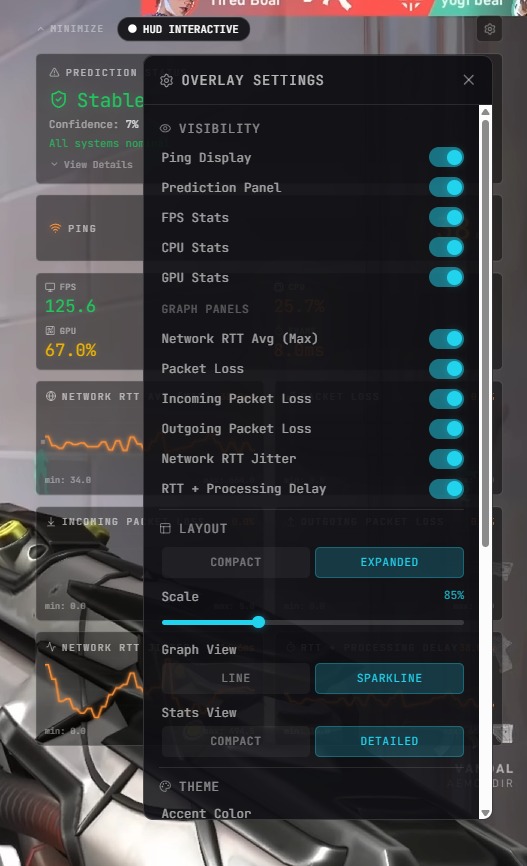
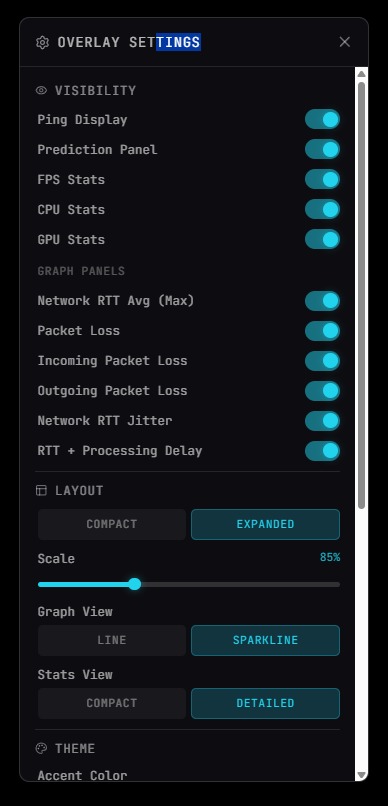
Settings panel
Settings Panel — Visibility
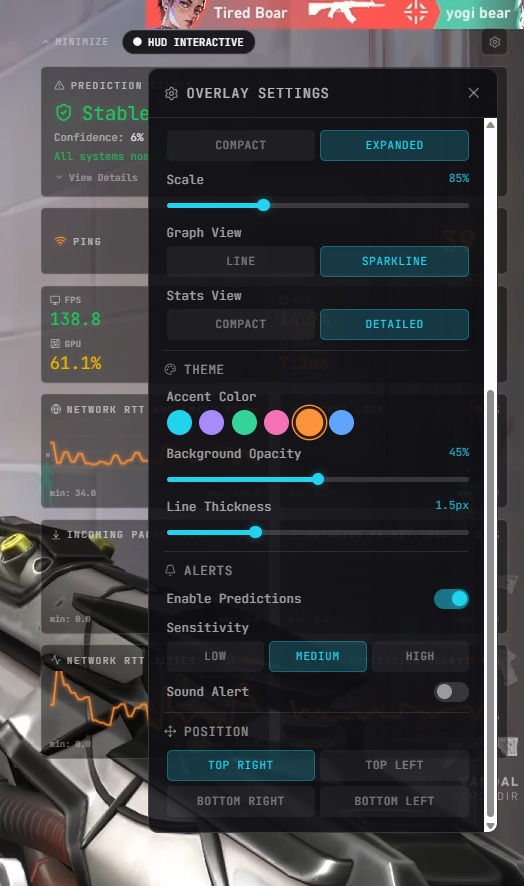
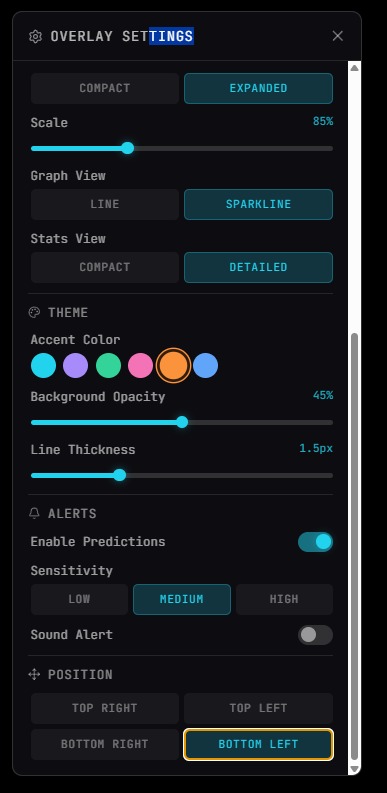
Theme settings
Theme Customization
Visibility settings
Visibility Controls
Alerts settings
Alerts & Position Settings

How LagGuard Works

LagGuard doesn't wait for lag to hit. It samples your network continuously, feeds data through an XGBoost model, and warns you while there's still time to act.

01
📡
Network Sampling
ICMP ping sampling captures latency, jitter, and packet loss at configurable intervals.
02
⚙️
Feature Extraction
Raw metrics are transformed: rolling averages, variance, spike frequency, trend deltas.
03
🧠
ML Prediction
XGBoost classifies upcoming network health as Stable, Warning, or Danger before it manifests.
04
WebSocket Stream
Predictions stream via WebSocket from Node.js backend to Electron frontend in milliseconds.
05
🖥️
Overlay Display
A frameless, click-through Electron overlay sits on top of any game — totally distraction-free.

Three Prediction States

STABLE

Network is healthy. Latency and jitter within normal thresholds. No action needed — game on.

WARNING

Instability detected. Possible lag spike incoming within the next few seconds. Brace for impact.

DANGER

High probability lag spike. Network degradation is imminent. Consider pausing or taking cover.

What's Under The Hood

📶
Real-time Monitoring
Live latency, jitter, and packet loss tracking. See your network health at a glance, always.
🔮
Predictive Detection
XGBoost-powered ML model predicts lag spikes before they impact your gameplay.
🎮
Click-through Overlay
Frameless, transparent Electron overlay sits on top of fullscreen games without interrupting input.
WebSocket Comms
Ultra-low-latency WebSocket channel between backend and overlay ensures instant updates.
🎨
Theme Customization
6 accent colors, adjustable opacity, line thickness, and compact/expanded layout modes.
🔧
Configurable Alerts
Set Low / Medium / High sensitivity for prediction alerts and toggle sound notifications.
📦
Compact Mode
Minimal overlay UI for when you want presence without visual noise. Just the essentials.
🪶
Lightweight
Engineered to have near-zero impact on CPU and memory — won't eat into your game's resources.

Built With

A purpose-built stack for real-time, low-latency desktop applications.

LayerTechnology
Frontend OverlayElectron + HTML/CSS
Backend ServerNode.js
Machine LearningXGBoost (Python)
Real-time CommsWebSockets
Network MonitoringICMP / Ping Sampling
Latest Release — v1.0

Download LagGuard

Free, open-source, and ready to run. One click — no installation wizard, no bloat.

⚙️
LagGuard.exe
Windows · Electron App · v1.0
Download .exe

⚠ Windows SmartScreen Note: As an unsigned app, Windows may show a security warning.
Click "More info" → "Run anyway" to proceed. Source code is fully open on GitHub.